
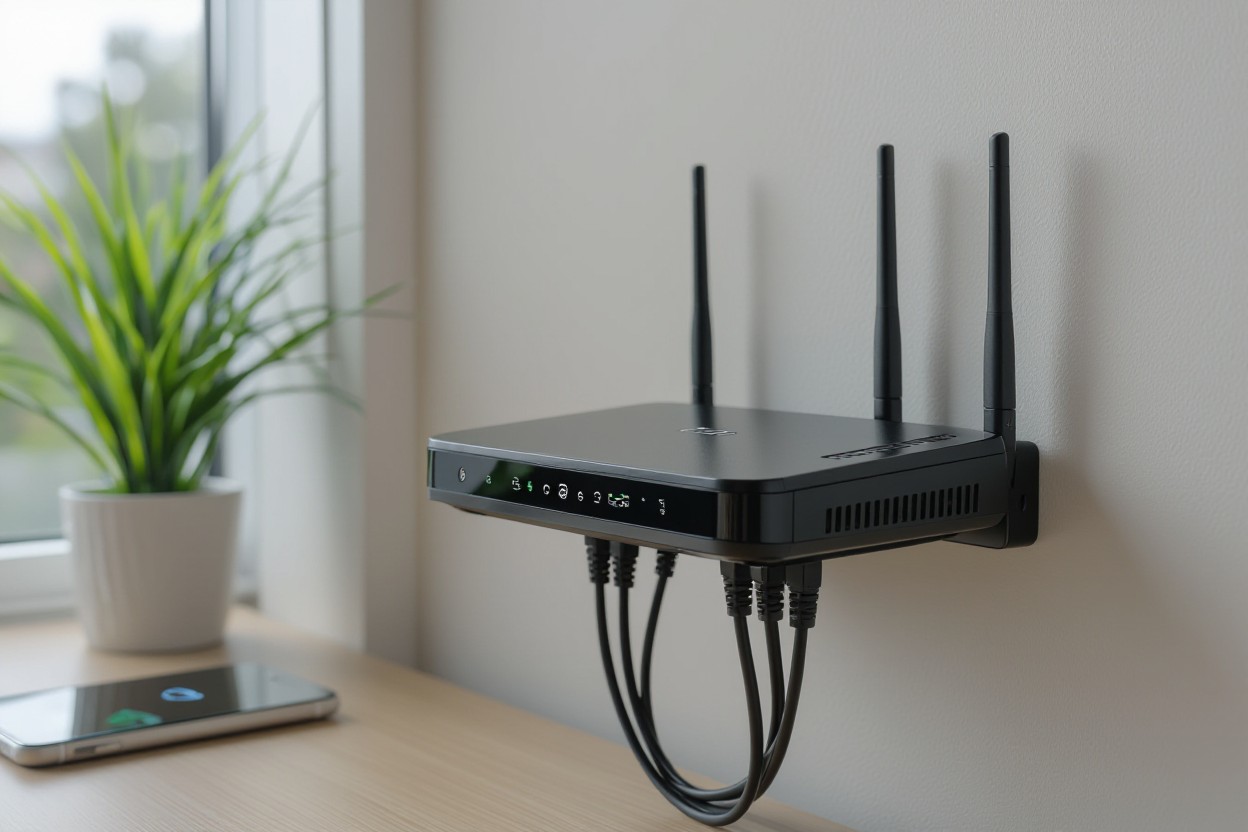
If your WiFi feels slow, shaky, or drops when several devices are connected, a new router might help. At Stay Connect, we know how much better things can get when you use a strong, modern wireless router. A better router can improve WiFi strength, give faster speeds, and make your internet more stable, whether you stream, work from home, game, or run smart home devices.
Let’s look at how a new router can improve performance and when it’s worth the upgrade.
Why Your Present Router Might Be Holding You Back
- Older routers lack the latest wireless tech. Older routers may only support basic WiFi standards. Newer routers, especially WiFi 6 routers, use updated protocols. This means faster internet speed, better handling of many devices, and stronger WiFi signals.
- Limited bandwidth slows down the connection when many devices are connected. If you have several smartphones, smart home devices, laptops, or gaming consoles, the old router can become a bottleneck. You might see slowdowns, buffering, or dropped connections.
- Weak antenna or poor placement reduces WiFi range. If your router has weak antennas or is tucked away in a corner, your WiFi signal might not reach every part of your home or office. This creates dead zones.
- Firmware is outdated or missing features like beamforming or better encryption (like WPA3). Without up-to-date firmware, the router may not manage wireless connections well or secure them properly.
- Old hardware struggles with modern internet plans. If you recently upgraded your internet plan or moved to a faster connection, your older router might not let you enjoy the full speed.
What a Better Router Actually Does
Upgrading to a good wireless router brings several real improvements for your home network:
Faster, More Stable Internet
Modern routers support higher data rates. With a WiFi 6 router or other latest-generation wireless models, you get faster speeds and better performance. That helps with streaming 4K video, video calls, online gaming, and heavy workloads.
Stronger WiFi Signal and Wider Coverage
A newer router often includes better antennas and improved signal management. It can push WiFi signals farther, reduce dead zones, and keep connections stable even when devices are far from the router.
Better Handling of Multiple Devices
If many devices are connected, laptops, phones, smart home gadgets, a newer router manages bandwidth more efficiently. That means less slowdown, less buffering, and fewer dropped connections.
Improved Reliability and Security
Better routers usually support newer encryption standards, like WPA3, and more features. That helps protect your network from hackers and ensures a stable wireless connection.
More Flexibility (mesh WiFi, extender support, Ethernet ports)
Modern routers often support mesh WiFi systems, range extenders, or use Ethernet ports for wired connections. You can extend your WiFi range, connect devices with cables for the fastest speeds, or use a hybrid wired-and-wireless connection.
When Upgrading Makes the Most Sense
You may want to upgrade your WiFi router when:
- Your current WiFi router is several years old and does not support WiFi 5 or WiFi 6.
- Many devices are connected (smartphones, laptops, gaming consoles, smart home devices).
- You experience frequent dead zones or weak signals in parts of your home or office.
- You upgraded your internet plan, but are not achieving the promised speeds due to your router’s limitations.
- You need a more stable internet for work from home, video conferencing, or online gaming.
- You want better security and network protection with modern encryption and firmware updates.
If any of these apply, a newer wireless router may significantly improve your internet connection.
Can a Better Router Increase WiFi Range?
Yes, a better wireless router often improves WiFi range. With stronger antennas, improved signal strength, and features like beamforming, a modern router can deliver WiFi across a larger area. This helps you connect reliably in different rooms, or even upstairs or downstairs.
For larger spaces or multi-floor homes, this improved range often makes a noticeable difference compared to older routing gear.
Is It Worth Upgrading Your WiFi Router?
In many cases, yes, upgrading can be well worth it. If you:
- Use many devices,
- Have slow or unreliable WiFi,
- See speed limits even when your internet plan is fast,
- Experience dropped connections or buffering,
then a new router can significantly improve your experience.
But if your needs are basic (light browsing, email on one or two devices), and you live in a small apartment, the improvement may be less dramatic.
How to Improve WiFi Strength: More Than Just a New Router
Upgrading the router helps, but here are extra steps to get the best signal and speed:
- Place your router in a central location. Keep it away from walls or metal objects, and avoid putting it in a cabinet. This helps WiFi signals spread evenly through your home or office.
- Use a wired connection (Ethernet) when possible. Devices connected via cable often get the fastest, most stable speeds.
- Update router firmware regularly. This can improve performance and security.
- Consider a mesh WiFi system or a WiFi extender if you have dead zones. A mesh system or range extender helps spread coverage across larger spaces.
- Use a WiFi 6 router or newer when possible. New wireless standards deliver better performance and work well with many devices.
- Use band steering or dual-band routers (2.4 GHz + 5 GHz). This lets devices pick the best band for stability vs speed.
- Secure your network with strong encryption (WPA3). This helps protect your home network from unauthorized access and keeps connections stable.
Why Stay Connect Is the Right Partner for You
At Stay Connect, we provide advanced wireless routers, including 4G and 5G models, to deliver a strong WiFi signal, faster speeds, and stable connectivity. Whether you are in a small home, a large house, or a rural area where regular broadband is weak or unavailable, our routers work well. Our team in Allen, Texas will help you find the right solution for your home or office needs, and make setup easy and stress-free.
Frequently Asked Questions (FAQs)
Can a better router increase WiFi range?
Yes. A newer router with stronger antennas, modern wireless standards, and better signal management can push WiFi further and reduce dead zones.
Is it worth upgrading your WiFi router?
If your internet feels slow, you have many connected devices, or you upgraded your internet plan, but your speed didn’t improve, upgrading can be worth it. For basic use in a small space, the gains may be less.
Does a router affect WiFi strength?
Yes. A router’s age, antenna, WiFi standard (e.g. WiFi 6 vs older), and position all affect how strong and stable your signal is.
How to make your WiFi router signal stronger?
You can place the router in a central, open spot, update the firmware, use a new router or a WiFi 6 model, add a mesh system or an extender, or use Ethernet for key devices.
Will a better router improve WiFi strength for gaming and multiple devices?
Yes. A modern router, with dual-band or WiFi 6, good antennas, and bandwidth handling, can support gaming, streaming, smart home devices, and many other connected devices simultaneously, delivering a stable, fast internet connection.
What else besides a router can improve my home network?
Using a mesh WiFi system, WiFi range extender, wired connections for stationary devices, and placing the router properly can all help. Also, secure your network with updated encryption and firmware.
Can a router help extend the range of wireless signals?
Yes, a newer router can help extend the range by boosting WiFi signals and improving coverage. You can also add an access point or a WiFi booster to reach more areas of your home.
How do I know if my connection speed is slow because of the router?
Run a speed test directly through your modem, then compare it with the speed on your WiFi connection. If the numbers drop a lot, the router may be limiting WiFi bandwidth.
What is the best way to troubleshoot weak WiFi signals?
Try moving your WiFi to a central spot, changing the channel, and checking for obstructions around the router. Updating to the latest wireless standards or using mesh WiFi often gives reliable, stable performance.
Final Thoughts
If you want a stronger WiFi signal, faster internet speed, wider coverage, and stable connections for all your devices, a new wireless router can make a big difference. At Stay Connect, we build and offer top-tier 4G/5G and WiFi 6 routers for homes and businesses in Allen, Texas, and beyond.
Reach out to us at (888) 997-6877 or visit our site to explore our router lineup and find the best solution for your home or office. Upgrade your home network today, and enjoy reliable, fast internet for streaming, gaming, working, or smart home devices.
Also Read:
Can Routers Affect Internet Speed? (The Complete Guide for Faster, Stronger Home Wi-Fi)
Where Is the Best Place for Your Router for Faster Internet?